
Best Travel Apps For Extended Stays In Europe
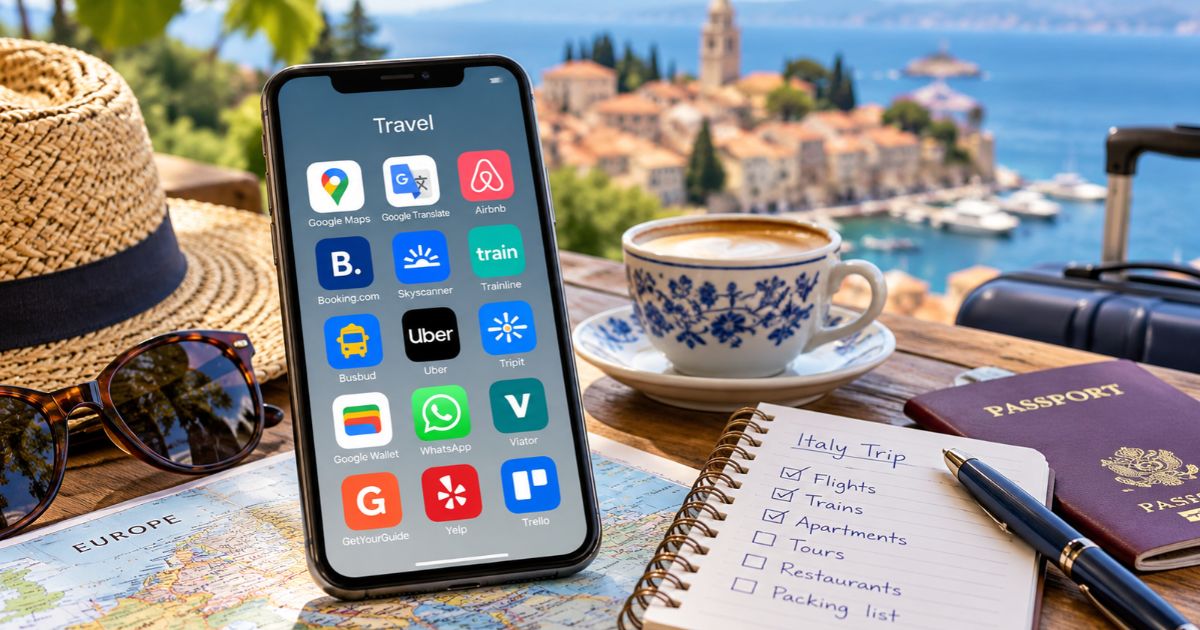
Let’s face it – travel planning can get complicated. Flights, accommodations, trains, day trips, and figuring out how to get around once you arrive. And the longer the trip, the more moving parts there are to keep track of.
Fortunately, a handful of good travel apps can make life considerably easier.
After more than 40 years in the travel industry and many extended stays in Europe, my husband and I have settled on a collection of tools we use for planning our trips and getting around once we’re there.
Here are the ones we actually use, why we like them, and a few alternatives worth knowing about. Because the goal isn’t to fill your phone with apps. It’s to spend more time enjoying Europe and less time figuring out the logistics.
If you’re planning a longer trip yourself, you might also find my guide to planning extended stays in Europe helpful, especially when deciding whether to settle into one location or explore several.
The Travel Apps We Use and Recommend for Europe
Here are the tools we turn to most often when planning and enjoying our extended stays in Europe.
- Google Maps and Google Translate: Navigation, destination research, and language barriers.
- Airbnb, Vrbo, and Booking.com: Apartments for longer stays and hotels for shorter visits.
- Skyscanner, Momondo, and airline apps: Flight research, reservations, and boarding passes.
- Trainline, Rail Europe, and Busbud: Researching train and bus connections.
- Uber: Getting around when walking or public transportation isn’t convenient.
- Google Keep and Trello: Notes, lists, and travel ideas.
- Google Wallet: Payments, tickets, and boarding passes.
- WhatsApp: Communicating with apartment hosts and other contacts.
- Viator and GetYourGuide: Finding tours and activities.
- Yelp: Restaurant research.
We also use professional itinerary software through our travel agency. For travelers who want something similar, TripIt is an alternative worth considering.
Google Maps and Google Translate: Our Two Essentials
If I could take only two travel apps to Europe, these would be the winners. No contest.
Google Maps: Much More Than Getting From A to B
We use Google Maps for practically everything: researching destinations, checking apartment locations, finding restaurants, and navigating on foot or by public transportation.
It’s even responsible for introducing us to Girona, Spain. I came across photos of Girona’s beautiful medieval old town while exploring Google Maps, started investigating, and eventually we spent an extended stay there. We’ve returned since, and it’s become almost like a second home to us.
Not bad for something I discovered while poking around on a map!
Since we never rent cars in Europe, Google Maps is also invaluable when choosing apartments. We can check walking distances to grocery stores, cafés, train stations, and other places we’ll need regularly.
One useful tip: Download maps for offline navigation before traveling. You’ll still need an internet connection for public transportation directions and live updates.
Google Translate: The App That Saved Our Internet Connection in Girona
Google Translate is handy for menus, signs, and figuring out what the washing machine is trying to tell you.
But during our first extended stay in Girona, it became considerably more important. We arrived at our apartment and discovered the internet wasn’t working.
Now, we may spend months in Europe, but we still run our travel business while we’re there. (We try not to say the word work too loudly. It spoils the vacation atmosphere.) So reliable Wi-Fi isn’t optional.
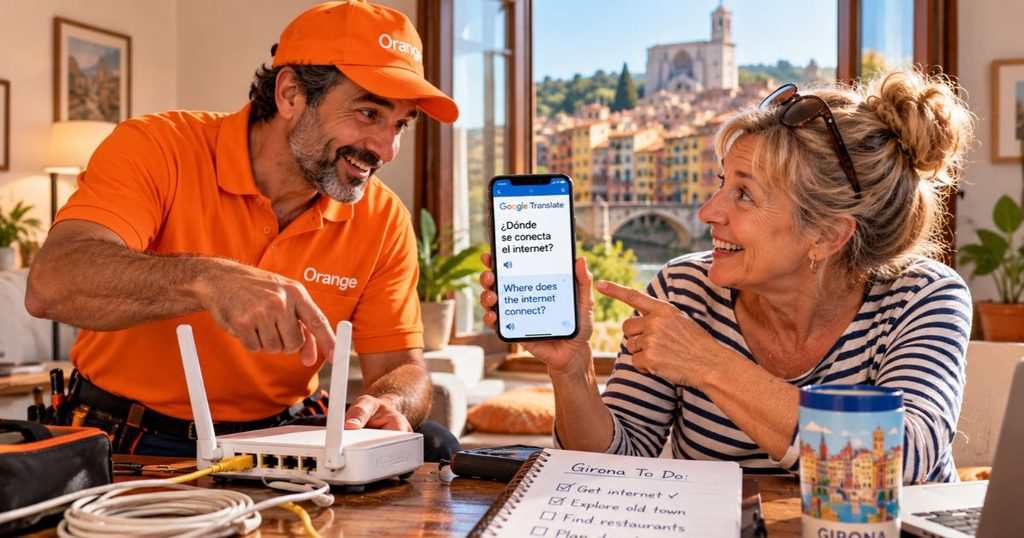
The apartment owners contacted Orange, the Spanish telecommunications company, and arranged for a technician to come out. That’s when we discovered the apartment didn’t just have a broken internet connection. It didn’t have a connection at all. No existing hookup. No wiring. Nothing.
The Orange guy (no pun intended, although I wish I could take credit for it) was perfectly nice and willing to help.
There was just one small problem. He didn’t speak English. We didn’t speak Spanish. Enter Google Translate.
We spent the installation communicating back and forth through our phones, translating questions, explanations, and instructions. And somehow, we managed it!
An entire internet installation in Spain, coordinated between people who couldn’t speak each other’s language.
That experience alone earned Google Translate a permanent place on my phone. A few Google Translate features worth knowing about –
- Conversation mode: Translates spoken conversations between languages.
- Camera translation: Helps decipher menus, signs, and written instructions.
- Offline translation: Lets you download supported languages before traveling.
Translations aren’t always perfect. But when you’re trying to explain an internet problem to a Spanish technician, understanding each other well enough to solve the problem is what matters.
And sometimes that’s worth considerably more than translating the dessert menu.
Best Apps for Finding Apartments and Hotels in Europe
For our longer European stays, we often rent apartments directly from property managers we’ve gotten to know. Otherwise, we generally use Airbnb, with occasional hotel stays when we’re moving between destinations or visiting somewhere for a few nights.
If you’re considering your first extended stay, you might be wondering whether one month in Europe is enough. It depends on what you want from the experience – and how much moving around you plan to do.
Airbnb: For Apartment Stays
Airbnb is usually where we start when looking for an apartment, except in the places where we already have an established relationship with a property manager, or a specific apartment or owner.
We look for a proper kitchen, washing machine, reliable Wi-Fi, and a comfortable place to work. Location matters, too, since we don’t rent cars.
I pay particular attention to reviews from guests who’ve stayed for several weeks. Someone spending three nights in an apartment might not notice things that become annoying after three weeks!
It’s also worth checking for monthly discounts and comparing the total price, including fees and cancellation terms.
Vrbo: Another Option for Vacation Rentals
We’ve used Vrbo occasionally, although I prefer Airbnb. It’s worth checking if you’re having trouble finding the right apartment in your preferred neighborhood or price range.
Booking.com: For Hotels
I love hotels. And after spending a month in an apartment, a few nights somewhere with housekeeping can be a very welcome change of pace.
Booking.com is a great choice for comparing hotels by location, price, amenities, and reviews.
Best Apps for Finding and Booking Flights
We generally book flights directly with airlines, but comparison tools are useful when we’re researching unfamiliar routes.
Skyscanner and Momondo: Comparing Flight Options
Both Skyscanner and Momondo let you compare flights, schedules, and prices across multiple airlines. They’re particularly handy when traveling between European destinations, especially if you’re flexible about dates.
Airline Apps: For Managing Your Flights
Once you’ve booked, download your airline’s app for check-in, boarding passes, and flight updates. We fly Ryanair quite frequently within Europe, so its app gets plenty of use.
And with low-cost airlines, pay particular attention to baggage allowances and check-in requirements. Those are details you don’t want to discover at the airport!
Best Apps for European Train and Bus Travel
We never rent cars in Europe, and trains are one of our favorite ways to get between destinations. There’s something wonderful about watching the countryside go by while someone else does the driving!

Trainline and Rail Europe: Comparing Train Routes
Trainline and Rail Europe make it easier to research train routes, schedules, and ticket prices across different European rail operators.
They’re particularly useful when you’re unfamiliar with the rail system or traveling between countries.
Booking Directly With European Rail Companies
If we know which railway company operates our route, we often book directly through its website or app. Some that we use regularly include –
- Renfe: Spain
- SNCF Connect: France
- Trenitalia: Italy
Booking directly also makes it easy to check schedules, ticket conditions, and service updates.
Busbud: For Finding Bus Connections
We prefer trains, but sometimes a bus is the better option, particularly for destinations without convenient rail connections.
Busbud lets you compare routes and services from participating bus operators. We also book directly with local bus companies when we know which one serves our route.
And don’t overlook regional buses for day trips. Sometimes they’re the easiest way to reach a nearby town.
Best Apps for Getting Around Once You Arrive
We walk whenever possible, use public transportation, and occasionally grab a ride when neither is convenient.
Uber: When Walking Isn’t the Best Option
Uber is especially handy when we’re arriving somewhere with luggage or need to reach a place that isn’t easily accessible by public transportation.
I particularly appreciate being able to enter our destination and see an estimated fare without having to explain an unfamiliar address in another language.
Uber isn’t available everywhere in Europe, so check before you travel. Where it isn’t available, local taxi companies may offer their own booking apps.
Google Maps: For Walking and Public Transportation
Yes, Google Maps again!
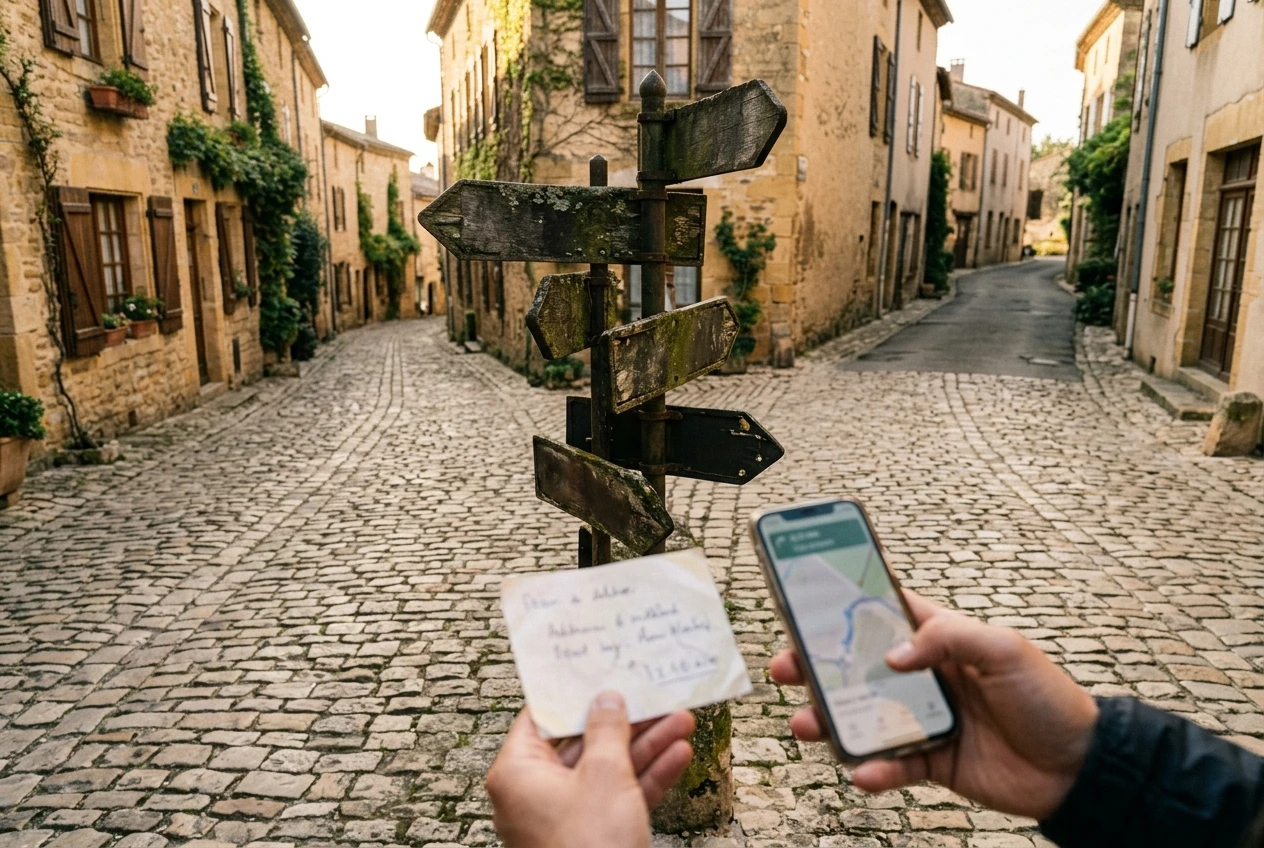
We use it constantly for walking directions and figuring out buses, trams, and metro connections.
And when you’re facing a twenty-minute uphill walk over cobblestones with two suitcases, there’s absolutely no shame in calling a taxi.
Best Apps for Keeping Your Travel Plans Organized
Regardless of how long your trip is, there can be a lot to keep track of. Some of our favorite organizing tools aren’t even technically travel apps.
Google Keep: For Notes and Reminders
I use Google Keep constantly, both at home and when traveling.
It’s a simple way to save addresses, shopping lists, reminders, and other information I don’t want buried in my email. You can also share notes and lists with your traveling companion.
Trello: My Favorite Way to Organize Travel Ideas
Trello is another favorite. I use it to keep lists of places to visit, restaurants to try, things to buy, and whatever else catches my interest. You can organize your lists by country, city, activity, or whatever makes sense for your trip. That’s what I like about Trello – it lets me keep track of ideas without having to plan every day in advance.
TripIt: For Keeping Reservations Together
We use professional itinerary-management software through our travel agency for our own personal trips, but TripIt offers a solution that could work for you.
It can turn forwarded booking confirmations into an organized itinerary with flights, accommodations, and other reservations. There’s a free version, along with a paid Pro option for additional features.
Best Apps for Tickets, Payments, and Staying Connected
Two everyday apps make traveling in Europe considerably easier for us: Google Wallet and WhatsApp.
Google Wallet and Apple Wallet: For Payments and Tickets
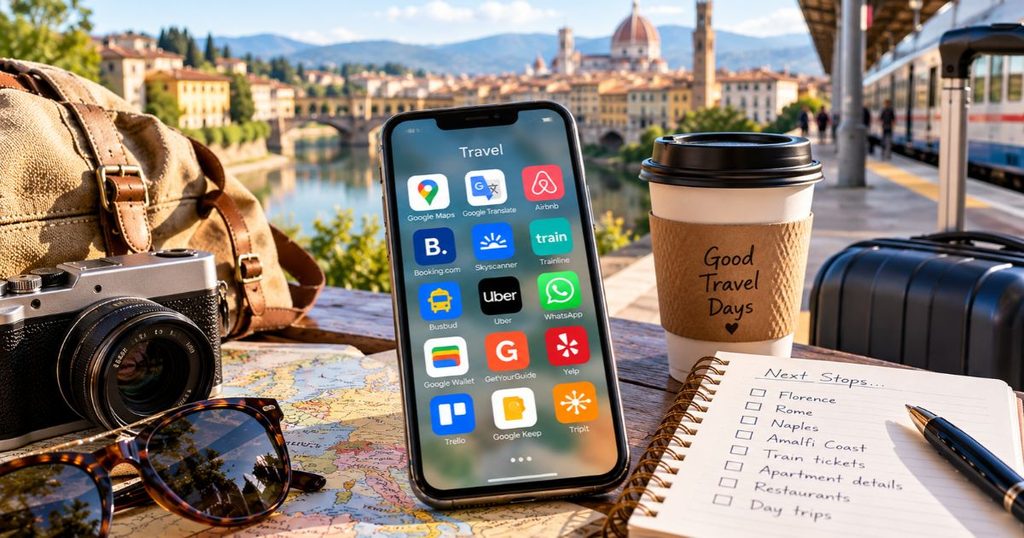
We use Google Wallet constantly in Europe for contactless payments, boarding passes, and other tickets.
It’s especially convenient when we’re buying groceries, paying for lunch, or catching a train.
If you have an iPhone, Apple Wallet offers similar features. Just remember to keep a backup of important tickets in case your phone battery dies.
WhatsApp: For Staying in Touch
WhatsApp is widely used throughout Europe, and we’ve found it particularly handy for communicating with apartment hosts and other local contacts.
You can send messages, make calls, and share photos over Wi-Fi or mobile data, without relying on international text messaging.
Best Apps for Tours, Activities, and Restaurants
One of the pleasures of extended stays in Europe is having time to explore beyond the usual tourist attractions.
And if you need a little inspiration for places to explore, you can always take a peek at my never-ending travel bucket list. Fair warning: it never seems to get any shorter!
Viator and GetYourGuide: For Tours and Experiences
We use Viator and GetYourGuide to discover walking tours, cooking classes, day trips, and other experiences we might otherwise miss.
Both offer traveler reviews and booking options from local tour operators. It’s worth comparing prices, group sizes, and cancellation policies before booking.
Yelp: For Finding Restaurants
We use Yelp to research restaurants, browse photos, and read reviews, although Google Maps often has more local reviews in European cities.
Of course, some of our favorite discoveries happen when we’re simply wandering around and spot somewhere interesting to eat.

Frequently Asked Questions About Travel Apps for Europe
Can I use travel apps in Europe without an internet connection?
Some apps offer offline features. Google Maps lets you download maps for offline navigation, while Google Translate supports downloadable languages. However, features such as live transit directions generally require an internet connection.
Is it better to book European train tickets through an app or directly with the railway company?
We generally prefer booking directly with railway companies such as Renfe, SNCF Connect, and Trenitalia if we’re familiar with the route. However, Trainline and Rail Europe can make researching routes across different operators easier. Compare prices, booking fees, and ticket conditions before purchasing.
Should I download travel apps before leaving for Europe?
Absolutely! Download your essential apps, sign into your accounts, and save important tickets, reservations, and offline maps before departure. It’s much easier than trying to figure everything out in an unfamiliar airport with luggage and a rapidly disappearing phone battery.
The Best Travel Apps Are the Ones You’ll Actually Use
You don’t need a phone full of travel apps to enjoy an extended stay in Europe. A handful of reliable tools can make planning easier, help you find your way around, and occasionally rescue you from an unexpected complication.
Start with the ones that suit the way you travel, and add others when you need them.
After all, the point is to spend more time enjoying Europe and less time staring at your phone.
What travel app wouldn’t you leave home without? Have you discovered one I haven’t mentioned? I’d love to hear about it in the comments!
